
How to Choose a 3D Animation Company: A Buyer's Guide to Cost, Timeline, and Craft
What you're actually trying to figure out before you request a quote
If you're searching for a 3D animation company, you've already made the hard decision. You know a video would help — for a product launch, a technical demo, a pitch deck, a trade-show loop — and now you're trying to build a mental model of the vendor landscape before you talk to anyone. You don't need another definition of 3D animation. You need to know what separates a studio from a freelancer, what actually moves a quote up or down, where the schedule really goes, and how to tell craft from sales copy when you're looking at a reel.
This article gives you those variables, so you walk into every conversation — including one with us — able to ask better questions than most first-time buyers do.
What a 3D animation company does that a freelance animator doesn't
A finished 3D piece is a chain: script, storyboards, modeling, lookdev, animation, lighting, rendering, sound. A studio carries the whole chain. A freelance animator is usually excellent at one or two links in it — often the animation itself — and you assemble the rest.
That distinction sounds administrative until a shot doesn't work. A camera move reads as weightless. A material that looked right in a still turns to plastic once it's moving. Somebody has to diagnose whether the problem is the geometry, the lighting, the timing, or the script that asked for an impossible shot in the first place — and then fix it without blowing the schedule. In a studio, that diagnosis and that fix are inside the contract. With a chain of specialists you've assembled yourself, the problem lands back on your desk, and you become the person deciding which link to send it to.
Neither model is wrong. If you have a clear board, existing assets, and the ability to art-direct, a freelancer can be the better buy. If you have a product and a deadline, you're paying a studio to absorb the unknowns.
Three formats, and which one your problem calls for
Most articles in this category use "3D explainer," "product animation," and "animated demo" interchangeably. They aren't interchangeable. Each has a different script, different asset requirements, and a different budget shape. Getting this wrong at the briefing stage is one of the more expensive mistakes available to you.
Product animation
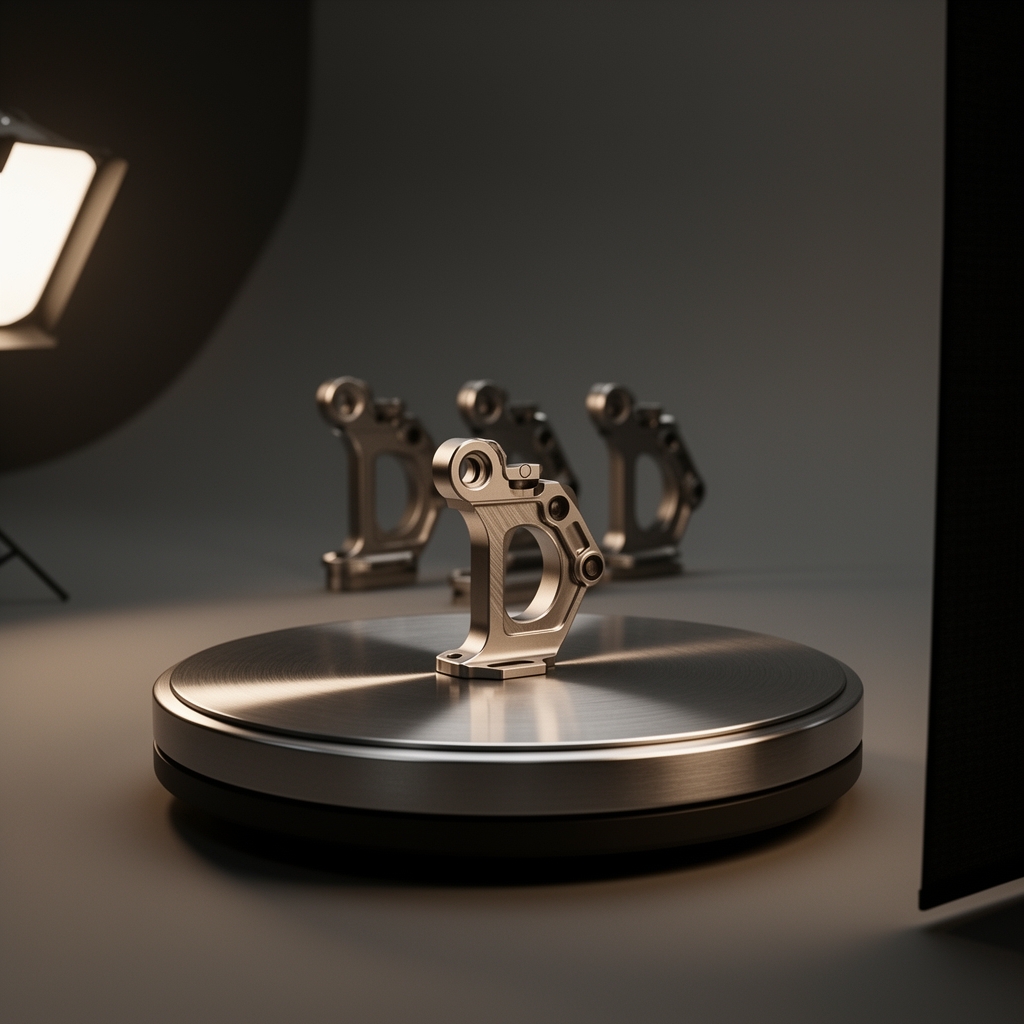
A product animation exists to show a physical object credibly. It lives or dies on materials, lighting, and whether the geometry actually matches the real thing — a buyer who owns the product will spot a wrong radius or a fake-looking anodized finish immediately. These pieces are often silent, frequently loopable, and cut for a specific slot: a product detail page, an ad unit, a screen at a trade-show booth. The script is short or nonexistent. The craft burden is almost entirely in surfacing and light.
3D explainer video
A 3D explainer exists to make something invisible legible — an internal mechanism, a software architecture, a chemical or biological process. It lives or dies on the script and the visual metaphor, not on render fidelity. A beautifully rendered explainer built on a confused metaphor fails; a plainly rendered one built on the right metaphor works. If you're commissioning an explainer and the studio wants to talk about render quality before it wants to talk about the script, that's a signal.
Animated product demo
A demo sits between the two: it has to show the product credibly and explain what it does. It's usually the hardest of the three to scope, because it has to stay accurate to a product that is still changing underneath it. Firmware moves, the UI gets redesigned, the industrial design revs one more time before launch. Scoping a demo means scoping for that movement, not pretending it won't happen.
What actually moves the price
Any per-minute rate you find online is close to meaningless, because the same minute of finished animation can differ enormously in what it took to produce. Here is the cost model instead — the variables that move a quote, in roughly the order they matter:
- Whether usable 3D models already exist. If you have them, a large share of the work is already done. If not, it has to be built.
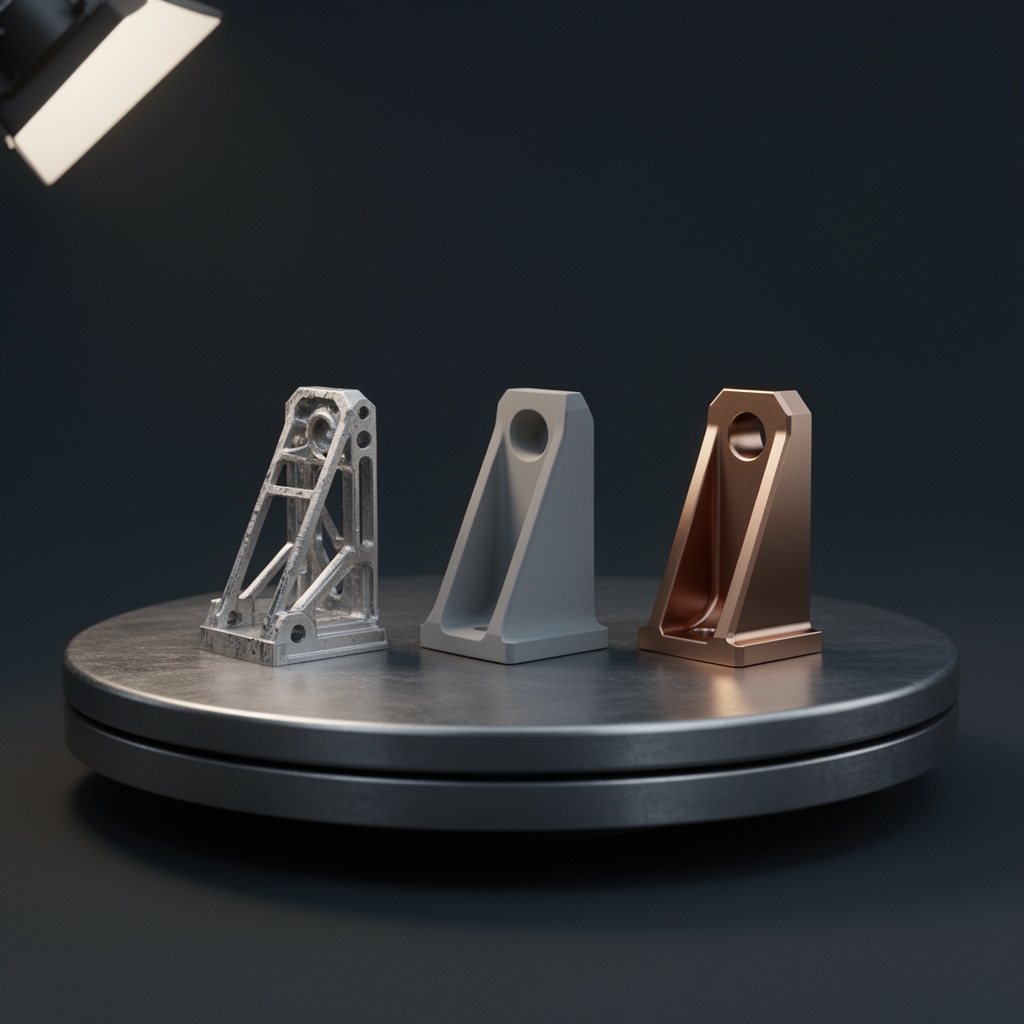
- Where the models come from if they must be built. Modeling from CAD data is a fundamentally different job from modeling from photographs and a spec sheet. CAD gives you accurate geometry that needs preparing for animation; photos and a spec sheet mean rebuilding the object from inference, and every ambiguity becomes a question someone has to answer.
- How many distinct shots and camera setups the board calls for. Ten shots that reuse one lit setup is a different project from ten shots that each need their own environment, lighting, and staging — even though both are "ten shots."
- Whether the piece needs simulation. Fluids, cloth, soft-body, particles — these are among the most compute- and iteration-heavy things you can put in a shot, and they rarely resolve on the first attempt.
- How many revision rounds are contracted. Ask where the included rounds end and change orders begin. A studio that can't answer that crisply hasn't scoped your project; it has guessed at it.
Score your own project against those five and you'll know roughly what shape of quote to expect, and — more usefully — which of your own decisions is driving the number.
Where the schedule actually goes — and which changes get expensive
In a 3D pipeline, the cost of a change rises sharply with how late it arrives. This is the single most useful thing a studio can tell a first-time buyer.
Rewriting a line of script at the storyboard stage is nearly free — it's a text edit and a redrawn frame. The same change after animation is locked means re-timing shots, which means touching every downstream element that was cut to that timing. The same change again after lighting means re-rendering, and render time is real time that no amount of urgency compresses.
Which is why "how long does it take?" is the wrong question. The better question is how fast can you approve? Production time is largely predictable; client-side review latency usually isn't, and in our experience it's the most common source of schedule slip. A week waiting for a stakeholder who was never told the board was coming costs exactly as much as a week of animation, and buys nothing. Before kickoff, identify who signs off at each gate and confirm they'll be available when the gate arrives.
How to read a reel the way an animator does
Non-designers tend to judge portfolios on subject matter: do they have work in my industry? That's the weakest available signal. Here's what a practitioner looks for, and you can learn it in five minutes:
- Weight and easing. Does motion accelerate and settle like a real object, or slide from A to B at constant speed? Linear motion is the fastest tell of inexperience.
- Materials under motion. Metal, glass, and skin are the standard tells. A still frame can be finessed; those three surfaces have to hold up as light moves across them.
- Full pieces versus flashes. If a reel is built entirely from two-second cuts, ask to see a complete piece. Very short cuts usually mean the surrounding seconds are weaker.
- Motivated camera. Is the camera moving because the shot needs it, or is it drifting constantly to disguise a scene where nothing is actually happening?
- Style adjacency over industry overlap. Work in a style adjacent to what you want tells you far more than work in your vertical. A studio that has nailed the look you're after can learn your product; one that has your product category but the wrong visual language cannot easily learn taste.
What a staged production pipeline looks like
Everything above resolves into one structural answer: staged sign-off gates. Script, then boards, then styleframes and lookdev, then animatic, then animation, then final. Each gate exists for exactly one reason — to catch a change while it's still cheap. The styleframe gate is where you settle the look before a single final frame renders. The animatic gate is where you settle timing before animators commit to it. A project that skips gates isn't moving faster; it's deferring its expensive changes to the stage where they cost the most.
This is how Grafiska runs 3D animation projects. We've been making this work since 2019, and the staging isn't process theater — it's the mechanism that keeps a scope from quietly becoming a different scope. Hrishikesh Gawas, who co-founded the studio, holds an AVGC 40 Under 40 award. You can see the full range of what we produce on our animation page.
When 3D is the wrong tool
If the goal is a founder talking to camera about a service, 3D is the wrong tool — live-action will be cheaper, faster, and more persuasive, because trust in that format comes from a face. If your process has no physical component and nothing hidden inside it, 2D will explain it more clearly and cost less to revise.
3D earns its cost when there's an object to show credibly or a system to make visible. When there isn't, a studio worth hiring will tell you so on the first call, before you've spent anything.
What to bring to your first conversation
Four things shorten every stage that follows:
- Assets — CAD files if you have them, or thorough reference photography if you don't.
- A rough script, or the one thing the video must land. Even a single sentence beats a mood board.
- Target length and placement — where this will run determines a surprising amount of the craft.
- A named decision-maker who can approve at each gate.
Bring those, and the first conversation stops being a discovery call and starts being a scope. If you'd like to have that conversation, get in touch with us — tell us what you're launching and what it has to do.