
Product Commercial Video: What Drives the Cost, the Timeline, and the Format You Should Actually Order
If you're pricing a product commercial video right now, you're probably stuck at a three-way fork: book a live-action shoot, commission 3D animation, or hand the whole thing to a freelancer and hope. Every quote you've collected sits in a different range, none of them explain why, and you can't tell whether you're comparing like with like.
Here's the thing nobody tells you up front: the number that scares you is set mostly by which deliverable you order, not by who you hire. A sixty-second emotive hero film, a mechanism-revealing demo, and a problem-to-solution explainer are three different builds. Order the wrong one and you'll pay for a video that can't do the job you needed done. Get the deliverable right and the rest of the estimate becomes legible.
Three videos buyers confuse for each other
"Product commercial video" is a bucket term covering three distinct pieces of work with three separate scripts, three separate production paths, and three separate budgets. Most articles present these as a menu of "types of video" and leave you to guess. There's a better rule.
What the video sits next to when it plays determines the format. A video running before a YouTube video someone actually wanted to watch has a different job than one embedded halfway down a product page next to a spec table. Decide the placement first and the format follows.
The hero commercial
Short, emotive, cut for paid social and pre-roll. It sells a feeling — the moment the product belongs in someone's life — and it rarely explains how anything works. There's no room. You have a few seconds before a thumb moves, so the work goes into a silhouette, a light, a movement that reads instantly. If you're buying attention on a platform where nobody asked to see you, this is the piece.
The product demo animation
Functional work. Exploded views, cutaways, mechanism reveals, the internal geometry that a photograph physically cannot show. It lives on the product page and inside sales calls, where the viewer has already leaned in and wants to understand the thing. The script here is closer to a technical argument than a mood piece, and the value comes from clarity: showing the seal, the hinge, the airflow, the layer stack.
The explainer
Concept-led, problem to solution, often abstract or UI-driven. You need this when the value isn't visible in the object itself — software, a service, a device whose benefit lives in what happens after you use it. Pointing a camera at the product would tell the viewer nothing, so the animation carries the idea instead.
3D or a live-action shoot?
This gets framed as a taste question. It usually isn't. It's a constraint problem, and the constraints are almost always about what exists on the day you need to start.
Tooling isn't finished. The sample on your desk is a rough prototype with visible seams and the wrong surface finish. The final colorway hasn't been signed off, or there are six of them and only two have been sampled. The product ships in eleven weeks and the campaign has to be in market before it does. Any one of these makes a shoot impossible and 3D the only route.
That's the capability worth understanding: 3D lets you commission a commercial for a product that does not physically exist yet. You can be in market on launch day with a finished film of an object that came off the line the week before — or hasn't yet. You can show the product in a colorway that only exists as a hex value. You can shoot it opening, sectioning, and reassembling itself in ways no rig would allow.
When the product is finished, easily handled, and its appeal is largely tactile and human, a shoot is a perfectly good answer. When it isn't, the decision has already been made for you.
What actually moves the quote
Live-action and 3D budgets don't just differ in amount — they're shaped differently, which is why comparing them on a single headline number tells you almost nothing.
A live-action budget scales with shoot days, crew size, location, and product handling. Add a day and you add everyone on it. The cost is concentrated in a short window, and once you wrap, that window closes.
A 3D budget scales with model complexity, look-dev, shot count, simulation, and revision rounds. There's no crew standing by, but the hours are distributed across weeks and land in specific places. A single hero shot of a complex assembly can cost more than four simple shots of a simple one. Understanding which of those levers your project pulls on is most of what it takes to read a 3D quote intelligently.
What you hand over changes the price
This is the line item almost no generalist article mentions, and it can be one of the largest.
- CAD or STEP files shortcut modeling substantially. The geometry already exists at manufacturing accuracy; the work becomes preparing it for animation rather than authoring it.
- Photos and dimensions only means the model is built from scratch, matched by eye against reference, and reviewed for accuracy before anything else can start.
Same product, same script, materially different quotes. If your engineering team has the files, ask them before you ask for pricing — it changes the conversation.
Some materials cost more to make convincing
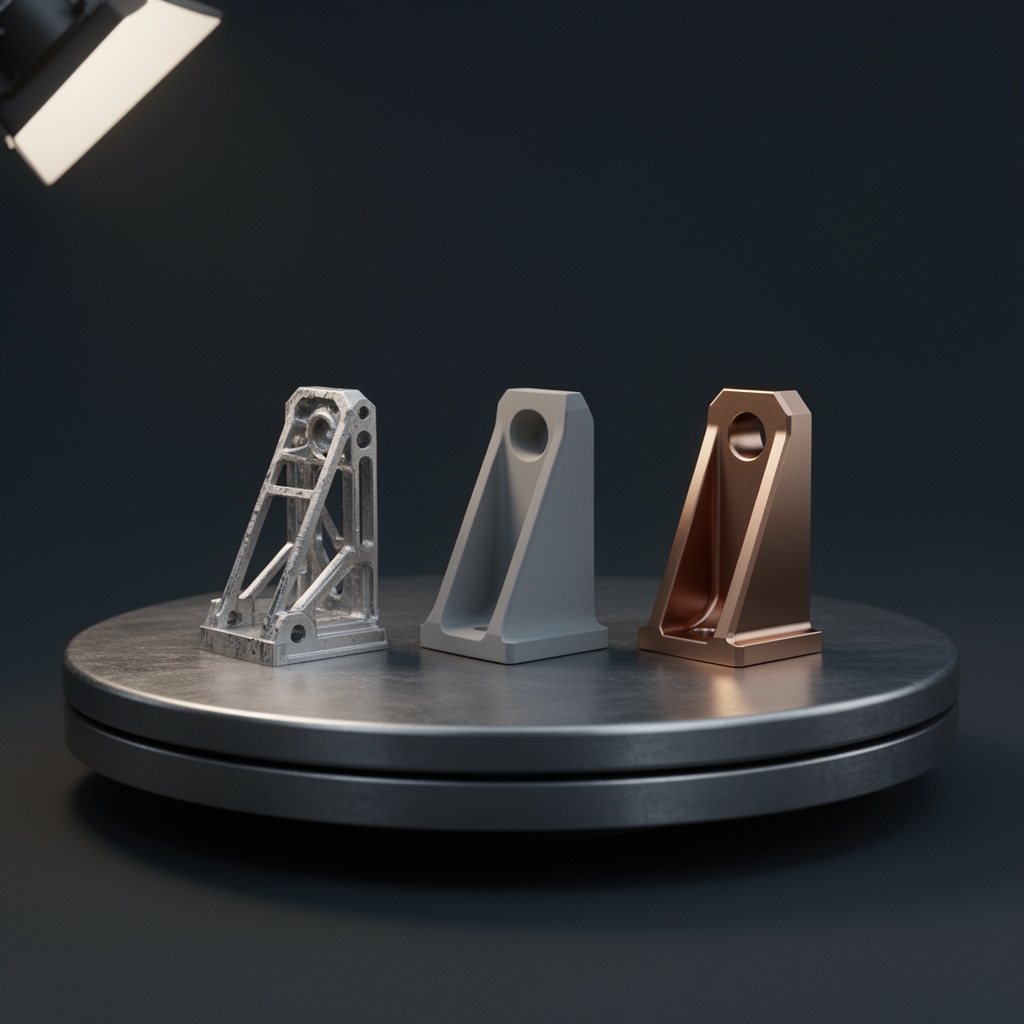
Material and lighting work is where a product commercial lives or dies, and some surfaces are disproportionately expensive to get right. Glass, brushed metal, liquid, and fabric all fall into that group: each depends on how light behaves across and through it, which means more look-dev iteration and heavier renders.
Liquid and cloth simulation are a real budget entry, not a finishing touch. A pour, a splash, a garment settling as it moves — those are separate pieces of work with their own setup and iteration time. If your product involves any of them, say so in the brief rather than discovering it at the quote stage.
Timelines, and what to lock before animation starts
Timelines get quoted as totals without saying which stage eats them. In practice, the schedule is consumed by modeling (heavily dependent on what you supplied), look-dev and lighting iteration, and render time — not by the animation itself, which is often shorter than clients expect.
Two decisions cause the most expensive rework, and both are made before a single frame is animated.
- Choose your aspect ratios and cutdowns before blocking. If you need 16:9, 9:16, and 1:1, the camera moves have to be composed for all of them from the start. Reframing a 16:9 hero move into 9:16 after final render is close to re-animating it — the subject drifts out of frame, the timing no longer reads, and you're back at blocking.
- Approve early, because approvals get expensive fast. Changes at previz and blocking are cheap: nothing is lit, nothing is rendered, and camera and timing are still soft. The same note after lighting and final render means re-rendering everything downstream of it. Rather than counting "three revisions included," think about revisions in terms of which production stage you're in when you give them.
The second video costs less than the first
This is where the real economics of 3D sit, and it's the argument a generalist blog can't make.
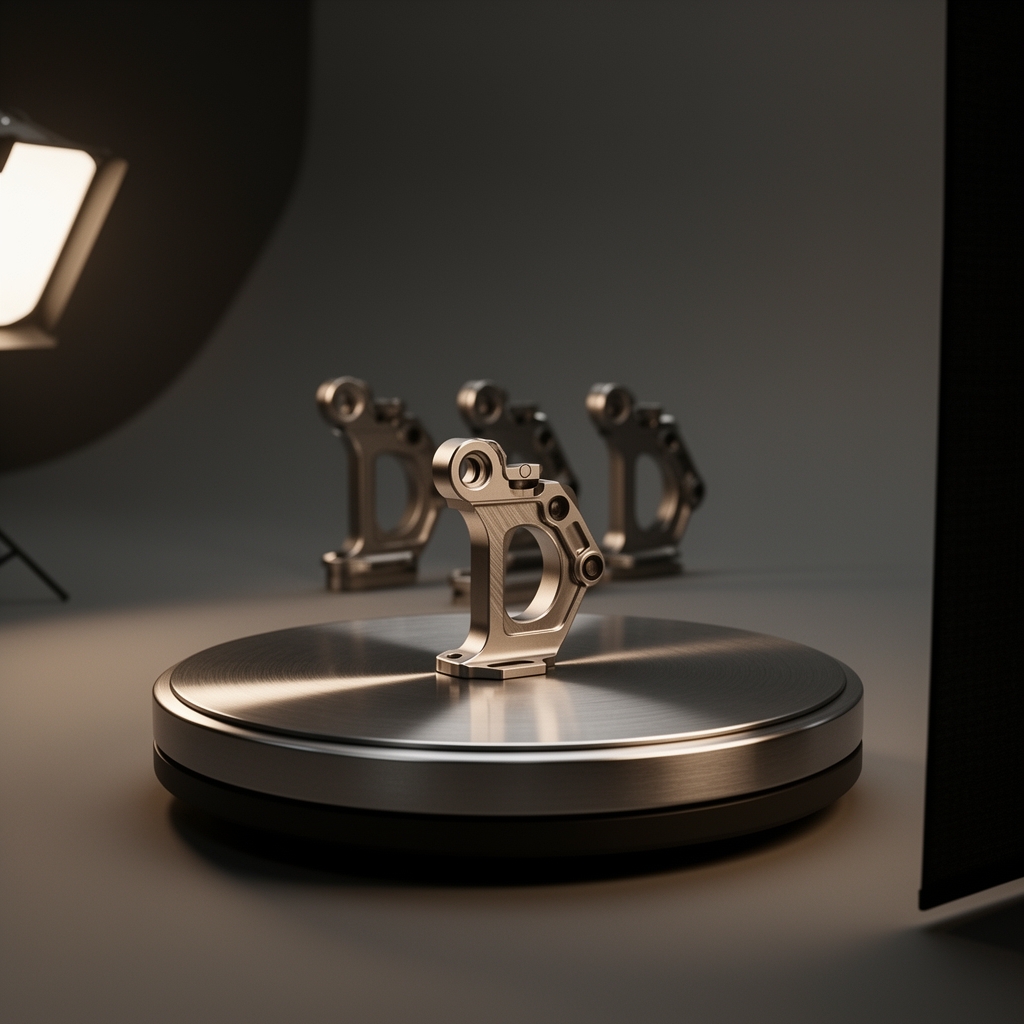
The heavy cost of a 3D product commercial is front-loaded into building the asset: modeling the product accurately and dialing in its materials until they hold up under scrutiny. That work happens once. After it's done, the scene is a reusable production environment.
New colorways swap in without remodeling. Additional SKUs in the same family reuse most of the build. Regional cutdowns, seasonal edits, and next year's campaign come off the same setup. And because you're already lighting the product in a controlled environment, still frames for the product page, paid ads, and retail assets can be rendered from the same scene rather than commissioned as a separate photoshoot.
If you're planning a campaign rather than a single film, that changes how you should read the first quote — you're buying an asset, not just a video.
What a studio pipeline actually looks like
A brief passes through defined stages, and each one has a gate where you review something specific:
- Modeling — built from your CAD or from reference. You review geometry accuracy against the real product.
- Look-dev and lighting — materials and light developed on still frames. You review surface finish, color accuracy, and whether the product reads the way it does in person.
- Previz and blocking — rough camera and timing, all framings in place. You review structure and pacing. This is the cheapest place to change your mind.
- Animation — motion refined against the approved blocking.
- Render and delivery — final frames, grade, and versioned files per aspect ratio and placement.
That's how we structure 3D product animation work at Grafiska, and it's where our animation service fits: you see the product before it moves, and you approve the expensive things while they're still cheap. Founder Hrishikesh Gawas holds an AVGC 40 Under 40 award from the AVGC 40 Under 40 Awards 2026, and the studio was Featured in Mid-Day — Next Big Brands of India 2026.
How to write a brief that gets an accurate quote
If you want a real number instead of a range, send four things:
- Your assets — CAD or STEP files if they exist, or photos, dimensions, and material references if they don't.
- The placements — where the video will actually run, since that sets aspect ratios, durations, and cutdowns.
- The deliverable type — hero commercial, demo animation, or explainer, using the rule above.
- The launch date — the real one, including when the product itself is expected.
With that in hand, a studio can price the job properly rather than hedging. Get in touch with those four items and you'll get a quote you can actually compare.